

Below you can find the User Panel. The User Panel is activated for Users that placed an order. So if you place an order, that is what, amongst other things, you would see in your Profile page. Here you are able to download individual reports from Test that you Ordered.

Game Name Order Date Testing Duration Download Report and other files Download testing video Minor Bugs Medium Bug Crucial Bugs

    The Great Adventure

14 Feb 2020

8h

Report

Step-by-Step doc

All documentation

Video: 7:23:12

39

3

9

    Nuke'em

14 Feb 2020

3h

Report

Step-by-Step doc

All documentation

Video: 2:55:04

1

2

0

    Comming Home

14 Feb 2020

3h

Report

Step-by-Step doc

All documentation

Video: 3:09:41

17

6

2

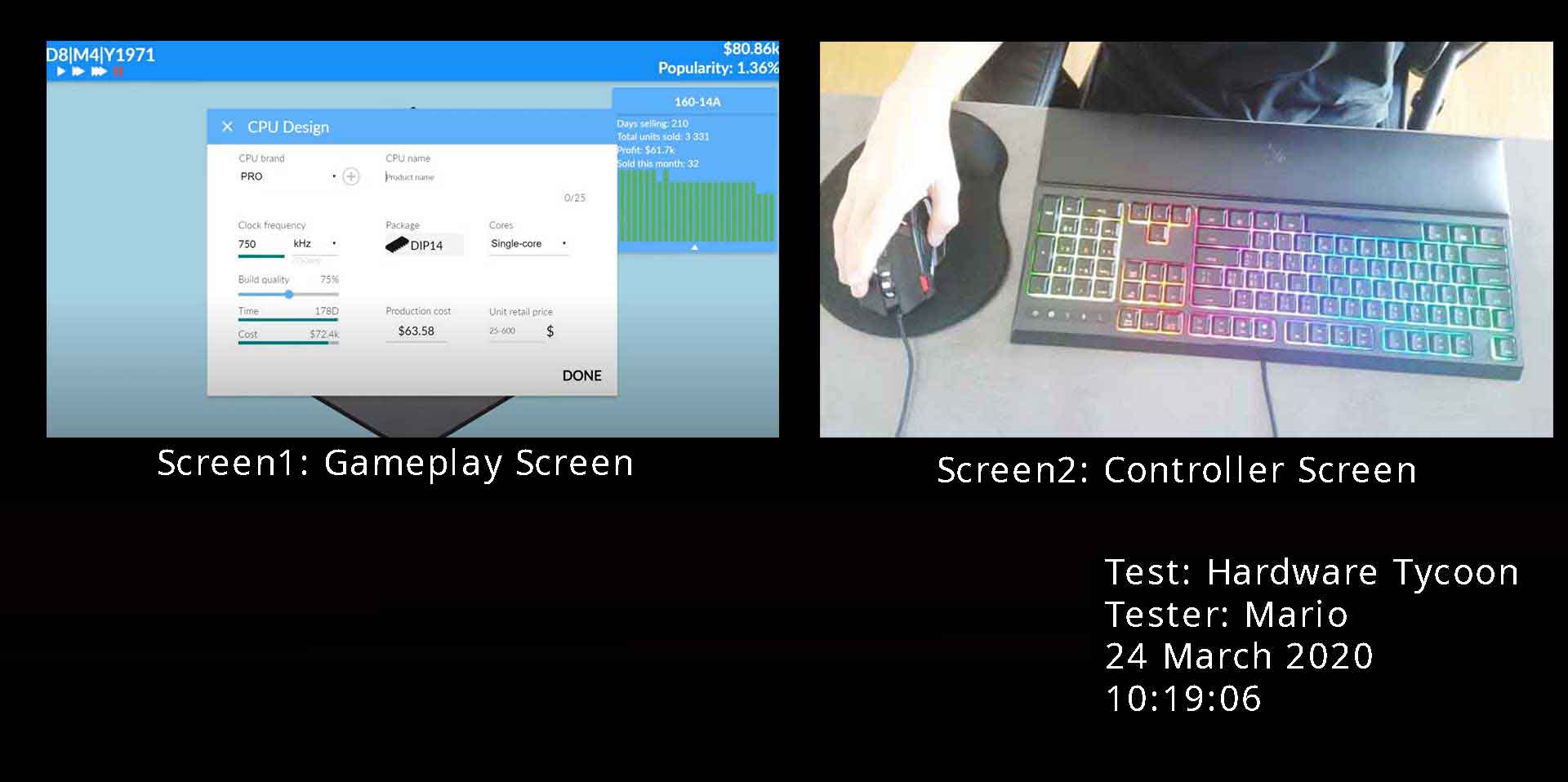
PC Game Testing | Actual Recoding

This is a screenshot from the video that we recorded while testing this PC Game. The Full Recoding can be downloaded after we complete the testing.

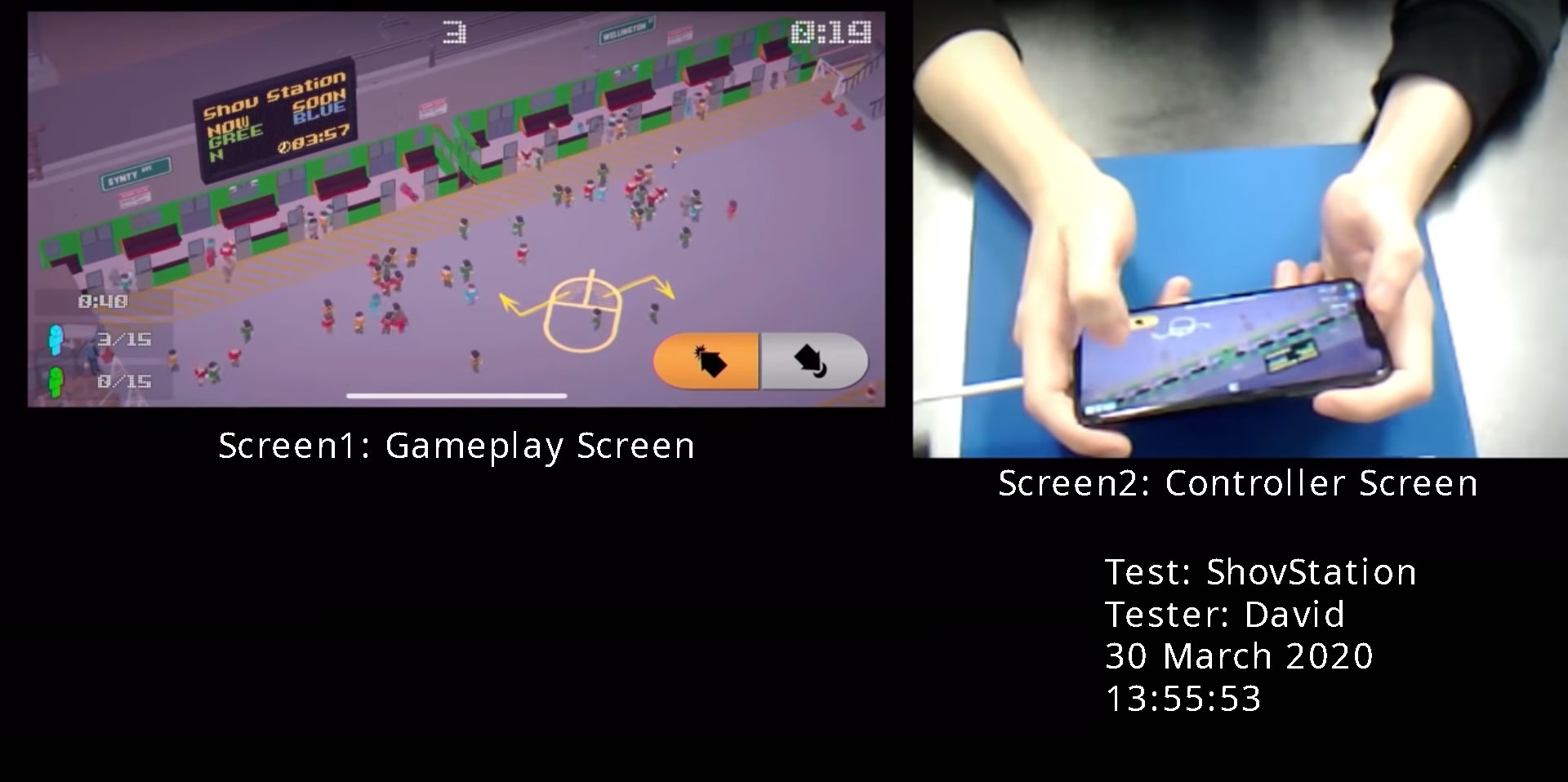
Mobile Game Testing | Actual Recoding

This is a screenshot from the video that we recorded while testing this Mobile Game. The Full Recoding can be downloaded after we complete the testing.

Game testing footage:
What data do we provide you?

Download an EXAMPLE Step-by-Step Documentation

Documents like this example are provided after we complete the testing. Download them a take a look.

Step-by-Step Documentation (OPT),

This is a Step-by-Step documentation. Every In-Game move that was made during testing is documented. This is the most efficient way to test if any data gets corrupted during saving and loading, also this type of documentation shows an in depth feeling that a Gamer will get. This type of documentation takes a lot of time to produce and to evaluate but it offers the most in-depth understanding of the games issues to the Game Developers.

Download Example